
How to Set Up OpenClaw
A practical setup guide for channels, models, voice, and browser automation.
Prerequisites
- 1Node.js 18+ installed
- 24GB+ RAM recommended
- 3Linux, macOS, or Windows
- 4Always-on internet connection
Telegram Setup
- 1Open Telegram and search @BotFather
- 2Send /newbot to create a bot
- 3Copy the API token
- 4Add token to OpenClaw config
Discord Setup
- 1Go to Discord Developer Portal
- 2Create new application
- 3Create bot and get token
- 4Enable required intents
Voice Pipeline
- 1Install Whisper for speech-to-text
- 2Install Kokoro TTS for text-to-speech
- 3Configure audio devices
AI Models
- 1Connect a provider — ChatGPT sign-in or an API key (OpenAI, Anthropic, etc.)
- 2Or download local models
- 3Configure model preferences
- 4Test with a simple prompt
Advanced Configuration
- 1Set up systemd for auto-start
- 2Configure browser automation
- 3Set up cron jobs for monitoring
Pro Tips
Run 'openclaw status' to check if all services are running correctly
Use 'systemctl restart openclaw' if you encounter any issues after configuration
Check the logs with 'journalctl -u openclaw -f' for real-time debugging
Enable automatic updates to get the latest features and security patches
How to set up OpenClaw on the right hardware
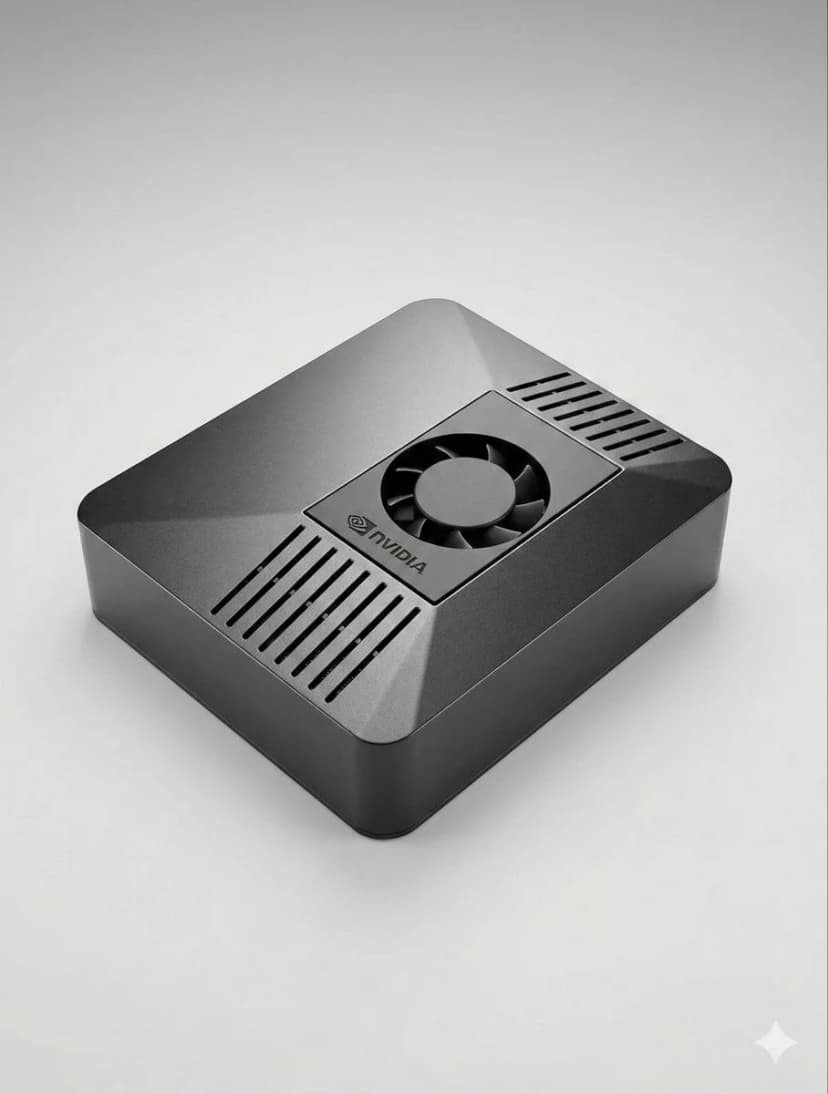
OpenClaw setup is fastest when the hardware is already matched to your workload. If you are still deciding between ClawBox, Raspberry Pi, Mac Mini, or a mini PC, start with our guide to the best OpenClaw hardware before you configure bots, voice, and browser automation.
How to Set Up OpenClaw FAQ
How to set up OpenClaw?+
The fastest OpenClaw setup is to use ClawBox: plug in power and network, open the setup page, connect Telegram or Discord, choose your model provider, and scan the pairing QR code. On your own hardware, install Node.js, configure OpenClaw, add a channel token, and keep the machine online.
Can I set up OpenClaw without ClawBox?+
Yes. OpenClaw is open source and can run on a mini PC, Mac, Raspberry Pi, home server, or cloud VM. ClawBox is the guided path when you want the hardware, storage, GPU acceleration, and OpenClaw software already prepared.
What should I prepare before OpenClaw setup?+
Prepare an always-on machine, a stable network connection, the messaging channel you want to use, and whichever model provider you prefer. If you plan to use local AI models, choose hardware with enough RAM, storage, and GPU acceleration.
Need Help?
Join our Discord community for setup assistance.
If you want the more structured step-by-step reference version, including troubleshooting follow-up, open the docs setup guide.
If your main goal is messaging, jump straight to the OpenClaw Telegram setup guide for BotFather, allowFrom, pairing, and group-safe defaults.
If you want a softer introduction before the full setup flow, start with the OpenClaw beginner tutorial. If you are deciding whether to use Windows or Raspberry Pi, the dedicated guides above will save you time.
Skip the Setup — Get ClawBox
Pre-configured with OpenClaw + 4 AI models. Plug in, connect WiFi, scan QR. Done in 5 minutes.
30-day money-back guarantee