
OpenClaw是什么?开源AI助手完全解读
一个安家在你硬件上的AI代理——而不是住在别人的云端。
OpenClaw帮你回复消息、操作浏览器、记住你的日程。这里讲清它是什么、能做什么,以及让它跑起来的最快方式。
OpenClaw究竟是什么?
OpenClaw是一款开源AI助手——安装在你掌控的机器上的软件。跑起来之后,你可以像用任何聊天助手一样,通过Telegram、WhatsApp或Discord跟它对话。不同之处在于它住在哪里:在你的硬件上——你的文件、你的登录凭据、你的历史对话记忆,全都握在自己手中。
因为它是代理而不只是一个聊天窗口,OpenClaw不止会回答问题,还会动手做事:它能操作真实的浏览器、收发邮件、运行定时任务,并在你不在时继续工作。代码完全开源,它做了什么你都能看得一清二楚——还能亲手修改。
OpenClaw一整天都在忙什么
一个全天在线的助手,不会等你打开App才开工。这些是大家最先交给OpenClaw的活儿。
邮件分拣与回复
它替你读收件箱,用你的语气起草回复,并把真正需要你处理的邮件标出来。
浏览器自动化
调研、填表、比价、订票——OpenClaw操作的是真实浏览器,而不是一碰就碎的脚本。
消息全覆盖
Telegram、WhatsApp、Discord等等——一个助手,覆盖你正在用的每一款聊天应用。
提醒与定时任务
晨间简报、日程提醒、周期性检查——它从不睡觉,所以永远准时。
OpenClaw用哪些AI模型?
两种都能用。OpenClaw可以在你的硬件上直接运行本地模型(Llama、Whisper等),日常请求完全不离开设备。需要更强推理时,你可以用自己的API密钥接入Claude、GPT等云端模型,按实际用量付费。
多数人最终选择混合方案:私密、常驻的工作交给本地模型,难啃的问题交给云端模型。OpenClaw会按任务自动切换。
OpenClaw需要什么硬件?
比你想的少:4GB RAM加一颗现代双核CPU即可满足基本需求,8GB配上CUDA加速器就能让本地模型跑得很舒服。迷你主机、家庭服务器或NVIDIA Jetson都可以。
查看OpenClaw完整硬件要求 →OpenClaw对比ChatGPT和Claude
ChatGPT和Claude是托管的聊天服务:回答问题非常出色,但它们住在服务商的云端,在你两次提问之间处于休息状态。OpenClaw则是负责行动的代理层——在你的机器上、按你的日程、贯穿你的各种应用——当你需要那些模型的火力时,它还能直接调用它们。
这不是二选一。下面的对比会讲清各自在什么场景下更胜一筹,以及大家如何把它们搭配使用。
运行OpenClaw的最快方式
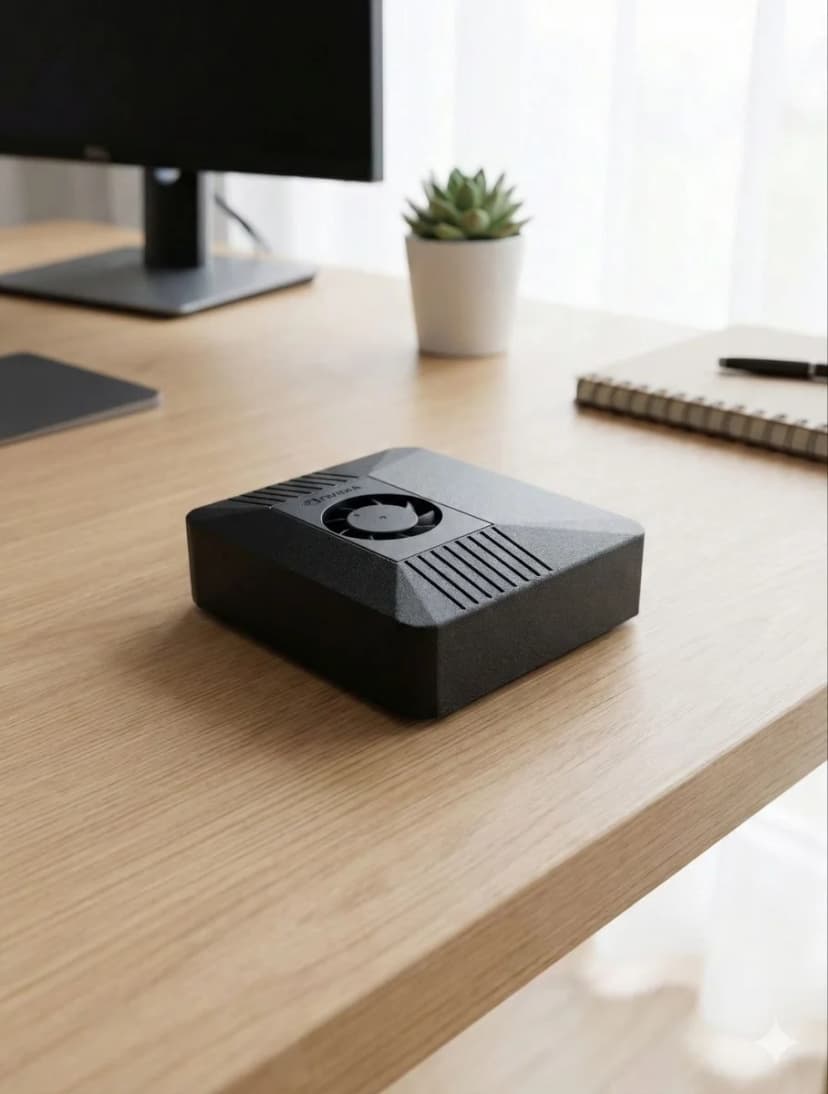
你可以花一个晚上,在Linux或macOS上自己安装OpenClaw。也可以直接插上ClawBox——一台预装好OpenClaw的67 TOPS NVIDIA Jetson主机,功耗仅15W,7×24小时常开无压力。€749(欧盟地区另加增值税) 一次买断硬件,几分钟即可开工。
认识ClawBox——€749(欧盟地区另加增值税) 拥有你自己的AI常见问题
What is OpenClaw?+
OpenClaw is an open-source AI assistant — an agent that runs on your own hardware instead of in someone else's cloud. It connects to your messaging apps (Telegram, WhatsApp, Discord), reads and answers email, automates a real browser, runs scheduled tasks, and remembers context between conversations. You talk to it like any chat assistant; the difference is that it lives on a machine you control.
Is OpenClaw free?+
The OpenClaw software is open source and free to install and use. What costs money is what you run it on and with: the hardware (your own machine, or a pre-configured box like ClawBox at €749 one-time), and — if you connect Claude through Anthropic's API for premium reasoning — the usage-based API fees Anthropic charges. Running local models on your own hardware avoids per-message API costs for routine work.
What is OpenClaw AI used for?+
People use OpenClaw AI as an always-on personal assistant: triaging and answering email, watching calendars and sending reminders, automating browser tasks like form-filling and research, controlling smart-home devices, summarizing documents, and running scheduled jobs around the clock. Because it runs 24/7 on dedicated hardware, it can act proactively instead of waiting for you to open an app.
What hardware do I need to run OpenClaw?+
Minimum: 4GB RAM, a modern dual-core CPU, 20GB storage, Node.js 20+, and an always-on internet connection. For local AI models you want 8GB RAM and a CUDA-capable accelerator. Any mini PC, home server, or NVIDIA Jetson qualifies — or ClawBox, a 67-TOPS Jetson box that ships with OpenClaw pre-installed.
Is OpenClaw the same as ClawBox?+
No — OpenClaw is the open-source software; ClawBox is dedicated hardware that ships with OpenClaw pre-installed and configured. You can run OpenClaw on your own machine for free, or get ClawBox (€749 one-time) if you want it working in minutes on low-power hardware built to stay on 24/7.