
Comment configurer OpenClaw
Un guide pratique pour les canaux, modèles, voix et automatisation navigateur.
Conditions préalables
- 1Node.js 18+ installé
- 24GB+ de RAM recommandés
- 3Linux, macOS ou Windows
- 4Connexion Internet toujours active
Configuration de Telegram
- 1Ouvrez Telegram et recherchez @BotFather
- 2Envoyez /newbot pour créer un bot
- 3Copiez le jeton API
- 4Ajoutez le token à la configuration d'OpenClaw
Configuration de Discord
- 1Accédez au Discord Developer Portal
- 2Créer une nouvelle application
- 3Créer un bot et obtenir le jeton
- 4Activer les intentions requises
Pipeline vocal
- 1Installer Whisper pour la reconnaissance vocale
- 2Installer Kokoro TTS pour la synthèse vocale
- 3Configurer les périphériques audio
Modèles d'IA
- 1Connecter un fournisseur - connexion ChatGPT ou clé API (OpenAI, Anthropic, etc.)
- 2Ou télécharger des modèles locaux
- 3Configurer les préférences du modèle
- 4Tester avec une simple invite
Configuration avancée
- 1Configurer systemd pour le démarrage automatique
- 2Configurer l'automatisation du navigateur
- 3Configurer les tâches cron pour la surveillance
Conseils de pro
Exécutez 'openclaw status' pour vérifier si tous les services fonctionnent correctement
Utilisez 'systemctl restart openclaw' si vous rencontrez des problèmes après la configuration
Vérifiez les journaux avec 'journalctl -u openclaw -f' pour le débogage en temps réel
Activez les mises à jour automatiques pour obtenir les dernières fonctionnalités et correctifs de sécurité
How to set up OpenClaw on the right hardware
OpenClaw setup is fastest when the hardware is already matched to your workload. If you are still deciding between ClawBox, Raspberry Pi, Mac Mini, or a mini PC, start with our guide to the best OpenClaw hardware before you configure bots, voice, and browser automation.
How to Set Up OpenClaw FAQ
How to set up OpenClaw?+
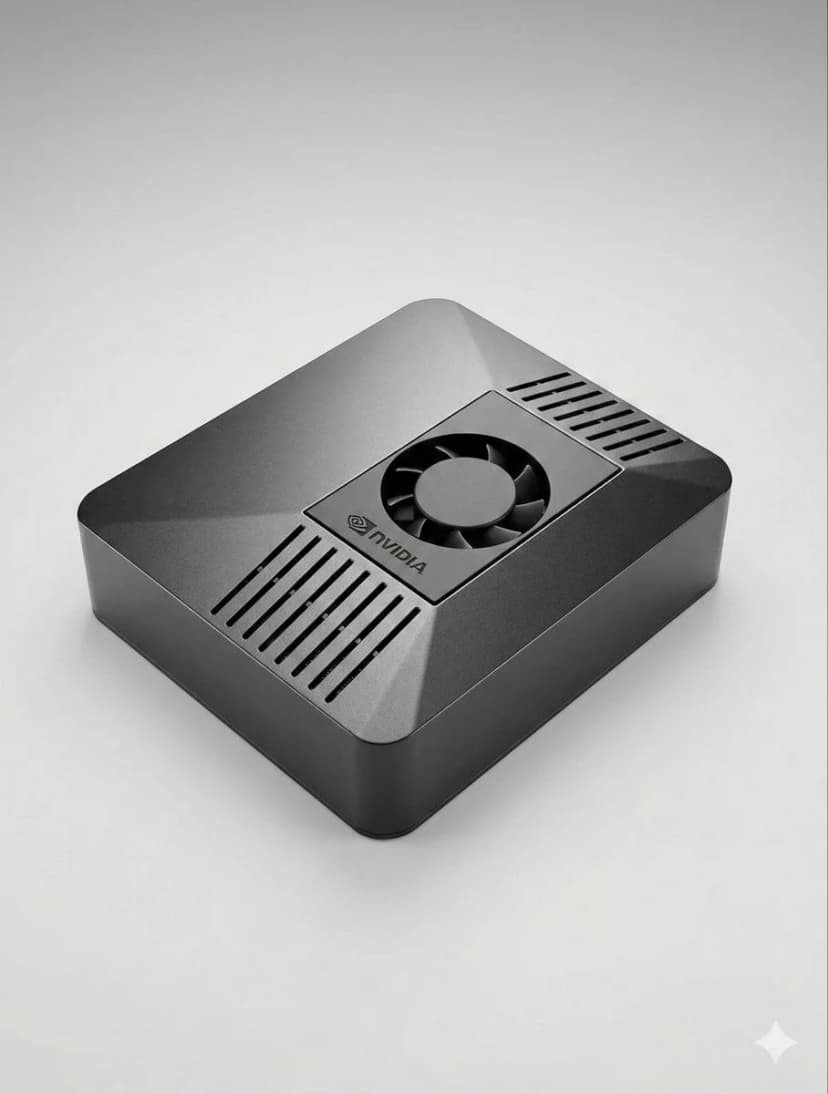
The fastest OpenClaw setup is to use ClawBox: plug in power and network, open the setup page, connect Telegram or Discord, choose your model provider, and scan the pairing QR code. On your own hardware, install Node.js, configure OpenClaw, add a channel token, and keep the machine online.
Can I set up OpenClaw without ClawBox?+
Yes. OpenClaw is open source and can run on a mini PC, Mac, Raspberry Pi, home server, or cloud VM. ClawBox is the guided path when you want the hardware, storage, GPU acceleration, and OpenClaw software already prepared.
What should I prepare before OpenClaw setup?+
Prepare an always-on machine, a stable network connection, the messaging channel you want to use, and whichever model provider you prefer. If you plan to use local AI models, choose hardware with enough RAM, storage, and GPU acceleration.
Besoin d'aide ?
Rejoignez notre communauté Discord pour obtenir de l'aide à la configuration.
If you want the more structured step-by-step reference version, including troubleshooting follow-up, open the docs setup guide.
If your main goal is messaging, jump straight to the OpenClaw Telegram setup guide for BotFather, allowFrom, pairing, and group-safe defaults.
If you want a softer introduction before the full setup flow, start with the OpenClaw beginner tutorial. If you are deciding whether to use Windows or Raspberry Pi, the dedicated guides above will save you time.
Skip the Setup — Get ClawBox
Pre-configured with OpenClaw + 4 AI models. Plug in, connect WiFi, scan QR. Done in 5 minutes.
Garantie de remboursement 30 jours