
Google Gemini + ClawBox
Gemini AI workflows with ClawBox
Use Google Gemini as a first-class agent model for ClawBox: fast multimodal reasoning over text, images, and documents, research, Google-friendly productivity, and voice — coordinated by OpenClaw running locally on your box.
Gemini is Google's fast, multimodal AI family. ClawBox, ClawBox OS, and OpenClaw work in full synergy with Gemini: add your Google AI API key in the built-in setup UI and Gemini becomes a first-class brain for an always-on assistant that can act.
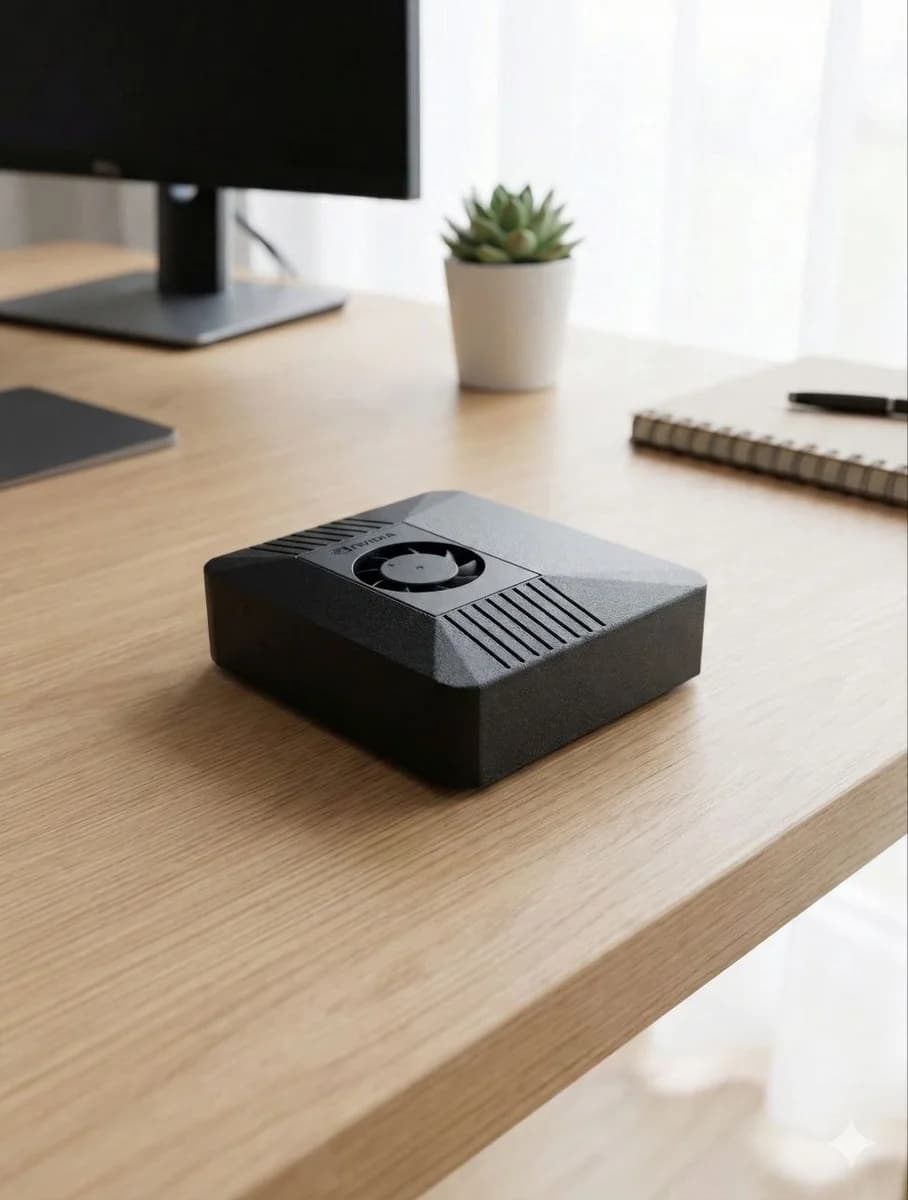

Gemini becomes even more capable with an always-on box behind it
Gemini is built for modern multimodal work: text, images, documents, and rich web context, delivered fast. ClawBox turns Gemini into an agent that lives where your workflows live — messaging apps, browsers, local files, calendars, schedules, and voice interfaces.
The stack is built for synergy: OpenClaw runs locally on ClawBox and calls Gemini in Google's cloud for the multimodal reasoning, drafting, or analysis a task needs. Message your ClawBox and it coordinates the steps — gather context, ask Gemini, act on the answer — then delivers the result where you already work.
Connecting Gemini is a first-class, no-terminal experience: open the built-in ClawBox setup UI, add your Google AI API key, and OpenClaw can route work to Gemini right away. No config files, no manual provider wiring. OpenClaw's bundled Google plugin even includes Gemini text-to-speech, so your assistant can answer with a natural spoken voice.
ClawBox also keeps choice open. Use Gemini as a first-class agent model for multimodal and Google-friendly work, with GPT, Claude, ClawBox AI, or local models available for private, routine, or offline jobs.
Best for
- •Multimodal reasoning with text, images, and documents
- •Research and web-context workflows
- •Google ecosystem productivity
- •Document summaries and comparisons
- •Fast creative planning and spoken replies
Why ClawBox helps
Gemini in your messaging apps
Use Gemini-backed workflows through Telegram, WhatsApp, Discord, or the ClawBox UI without keeping a browser tab open.
One-step Gemini setup
Add your Google AI API key in the built-in ClawBox setup screen. No config files, terminal commands, or manual provider wiring.
Multimodal + automation
Pair Gemini's image and document understanding with OpenClaw's browser control, scheduled checks, messaging bridges, and local skills.
Gemini voice replies
OpenClaw's bundled Google plugin includes Gemini text-to-speech, so a Gemini-connected ClawBox can speak its answers in messaging and telephony workflows.
Gemini-first hybrid
Use Gemini as a first-class agent model for multimodal and Google-connected work, with GPT, Claude, ClawBox AI, or local models available whenever another model fits a task better.
Gemini AI workflows on ClawBox
Visual research
Use Gemini for image-aware analysis while ClawBox handles collection, follow-up, and delivery.
Google-friendly planning
Draft plans, summaries, and task lists that fit naturally into Google Workspace-style workflows.
Web comparison assistant
Let ClawBox browse, collect options, and ask Gemini to compare tradeoffs clearly.
FAQ
Can ClawBox use Gemini AI?
Yes — Gemini is a first-class agent model for ClawBox. Add your Google AI API key in the built-in setup UI — no config files or terminal — and OpenClaw can route chat, research, multimodal, and automation work to Gemini right away.
Is Gemini running locally on ClawBox?
Gemini itself is a cloud model from Google. ClawBox runs OpenClaw locally, keeps tools, files, automations, memory, and local models on your device, then calls Gemini in Google's cloud when a task benefits from its fast multimodal intelligence.
Why use Gemini on ClawBox?
ClawBox, ClawBox OS, and OpenClaw work in full synergy with Gemini. Google's models are excellent for multimodal and Google-connected tasks, and ClawBox adds the always-on agent layer: messaging, browser automation, local files, schedules, voice — including Gemini text-to-speech — and custom skills.
Can I switch between Gemini and other AI models?
Yes. ClawBox is designed for model choice with first-class support for the leading cloud models — Google Gemini, OpenAI GPT, and Anthropic Claude — plus ClawBox AI and local models. Route each task to the model that fits, or use several side by side.
Use Gemini from your own AI assistant box
ClawBox ships with OpenClaw pre-installed, local AI support, optional cloud model access, browser automation, voice, messaging integrations, and a 30-day money-back guarantee.