
Så ställer du in OpenClaw
En praktisk guide för kanaler, modeller, röst och webbläsarautomation.
Förutsättningar
- 1Node.js 18+ installerat
- 24GB+ RAM rekommenderat
- 3Linux, macOS eller Windows
- 4Alltid-på internetanslutning
Telegram-installation
- 1Öppna Telegram och sök @BotFather
- 2Skicka /newbot för att skapa en bot
- 3Kopiera API-token
- 4Lägg till token i OpenClaw-konfigurationen
Discord-installation
- 1Gå till Discord Developer Portal
- 2Skapa ny applikation
- 3Skapa bot och hämta token
- 4Aktivera nödvändiga intents
Röstpipeline
- 1Installera Whisper för tal-till-text
- 2Installera Kokoro TTS för text-till-tal
- 3Konfigurera ljudenheter
AI-modeller
- 1Anslut en leverantör — ChatGPT-inloggning eller API-nyckel (OpenAI, Anthropic m.fl.)
- 2Eller ladda ner lokala modeller
- 3Konfigurera modellinställningar
- 4Testa med en enkel prompt
Avancerad konfiguration
- 1Konfigurera systemd för automatisk start
- 2Konfigurera webbläsarautomation
- 3Konfigurera cron-jobb för övervakning
Proffstips
Kör 'openclaw status' för att kontrollera att alla tjänster körs korrekt
Använd 'systemctl restart openclaw' om du stöter på problem efter konfiguration
Kontrollera loggarna med 'journalctl -u openclaw -f' för realtidsfelsökning
Aktivera automatiska uppdateringar för att få de senaste funktionerna och säkerhetspatcharna
How to set up OpenClaw on the right hardware
OpenClaw setup is fastest when the hardware is already matched to your workload. If you are still deciding between ClawBox, Raspberry Pi, Mac Mini, or a mini PC, start with our guide to the best OpenClaw hardware before you configure bots, voice, and browser automation.
How to Set Up OpenClaw FAQ
How to set up OpenClaw?+
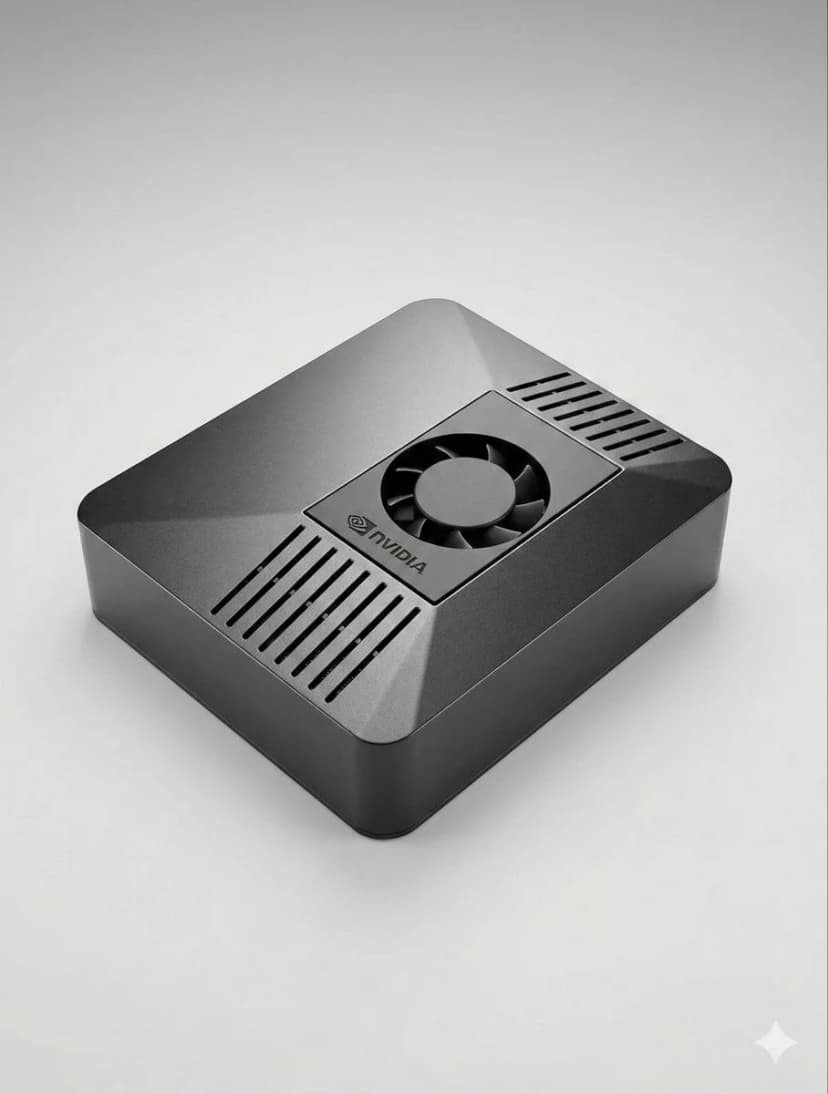
The fastest OpenClaw setup is to use ClawBox: plug in power and network, open the setup page, connect Telegram or Discord, choose your model provider, and scan the pairing QR code. On your own hardware, install Node.js, configure OpenClaw, add a channel token, and keep the machine online.
Can I set up OpenClaw without ClawBox?+
Yes. OpenClaw is open source and can run on a mini PC, Mac, Raspberry Pi, home server, or cloud VM. ClawBox is the guided path when you want the hardware, storage, GPU acceleration, and OpenClaw software already prepared.
What should I prepare before OpenClaw setup?+
Prepare an always-on machine, a stable network connection, the messaging channel you want to use, and whichever model provider you prefer. If you plan to use local AI models, choose hardware with enough RAM, storage, and GPU acceleration.
Behöver du hjälp?
Gå med i vårt Discord-community för installationshjälp.
If you want the more structured step-by-step reference version, including troubleshooting follow-up, open the docs setup guide.
If your main goal is messaging, jump straight to the OpenClaw Telegram setup guide for BotFather, allowFrom, pairing, and group-safe defaults.
If you want a softer introduction before the full setup flow, start with the OpenClaw beginner tutorial. If you are deciding whether to use Windows or Raspberry Pi, the dedicated guides above will save you time.
Skip the Setup — Get ClawBox
Pre-configured with OpenClaw + 4 AI models. Plug in, connect WiFi, scan QR. Done in 5 minutes.
30 dagars pengarna-tillbaka-garanti