
OpenClaw instellen
Een praktische gids voor kanalen, modellen, voice en browserautomatisering.
Vereisten
- 1Node.js 18+ geïnstalleerd
- 24GB+ RAM aanbevolen
- 3Linux, macOS of Windows
- 4Altijd-aan internetverbinding
Telegram-installatie
- 1Open Telegram en zoek @BotFather
- 2Stuur /newbot om een robot te maken
- 3Kopieer het API-token
- 4Voeg token toe aan OpenClaw-config
Discord-installatie
- 1Ga naar Discord Developer Portal
- 2Maak nieuwe applicatie aan
- 3Maak robot aan en ontvang token
- 4Schakel vereiste intents in
Stempijplijn
- 1Installeer Whisper voor spraak-naar-tekst
- 2Installeer Kokoro TTS voor tekst-naar-spraak
- 3Configureer audioapparaten
AI-modellen
- 1Verbind een provider — ChatGPT-login of API-sleutel (OpenAI, Anthropic, etc.)
- 2Of download lokale modellen
- 3Configureer modelvoorkeuren
- 4Test met een eenvoudige prompt
Geavanceerde configuratie
- 1Stel systemd in voor auto-start
- 2Configureer browserautomatisering
- 3Stel cron-taken in voor monitoring
Pro-tips
Voer 'openclaw status' uit om te controleren of alle diensten correct draaien
Gebruik 'systemctl restart openclaw' als u problemen ondervindt na configuratie
Controleer de logs met 'journalctl -u openclaw -f' voor realtime foutopsporing
Schakel automatische updates in om de nieuwste functies en beveiligingspatches te ontvangen
How to set up OpenClaw on the right hardware
OpenClaw setup is fastest when the hardware is already matched to your workload. If you are still deciding between ClawBox, Raspberry Pi, Mac Mini, or a mini PC, start with our guide to the best OpenClaw hardware before you configure bots, voice, and browser automation.
How to Set Up OpenClaw FAQ
How to set up OpenClaw?+
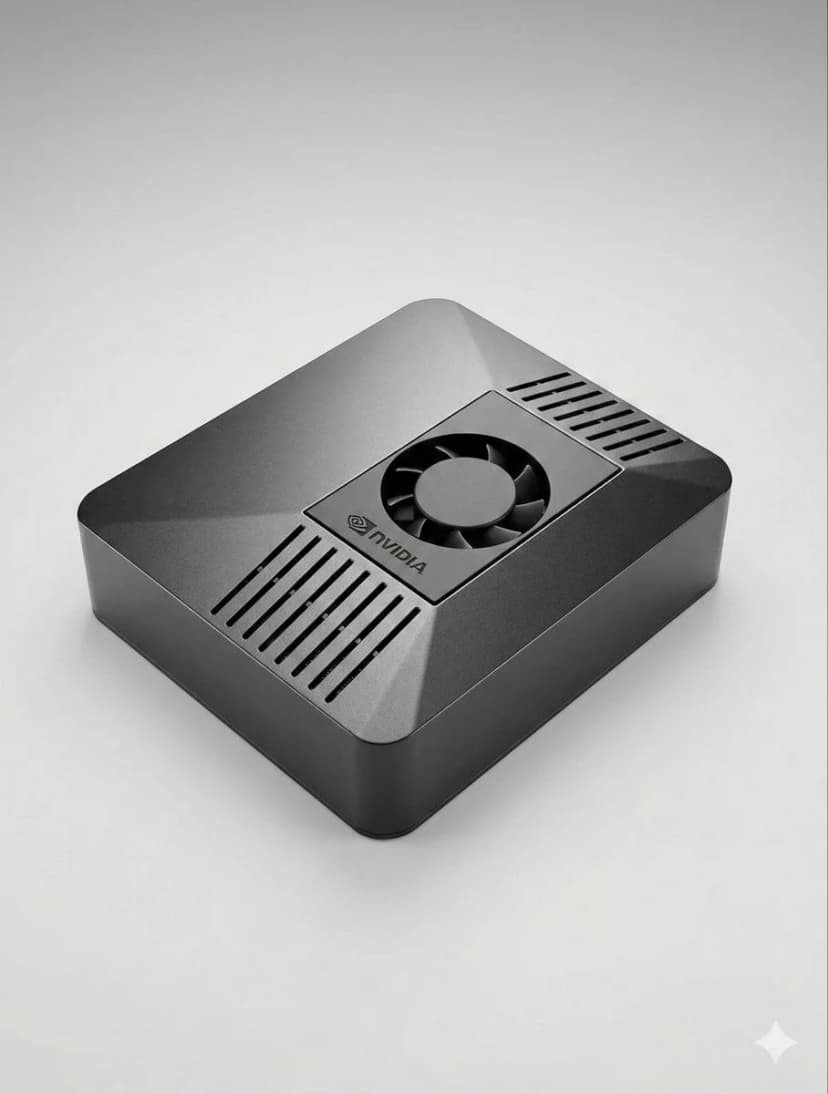
The fastest OpenClaw setup is to use ClawBox: plug in power and network, open the setup page, connect Telegram or Discord, choose your model provider, and scan the pairing QR code. On your own hardware, install Node.js, configure OpenClaw, add a channel token, and keep the machine online.
Can I set up OpenClaw without ClawBox?+
Yes. OpenClaw is open source and can run on a mini PC, Mac, Raspberry Pi, home server, or cloud VM. ClawBox is the guided path when you want the hardware, storage, GPU acceleration, and OpenClaw software already prepared.
What should I prepare before OpenClaw setup?+
Prepare an always-on machine, a stable network connection, the messaging channel you want to use, and whichever model provider you prefer. If you plan to use local AI models, choose hardware with enough RAM, storage, and GPU acceleration.
Hulp nodig?
Sluit u aan bij onze Discord-gemeenschap voor installatieassistentie.
If you want the more structured step-by-step reference version, including troubleshooting follow-up, open the docs setup guide.
If your main goal is messaging, jump straight to the OpenClaw Telegram setup guide for BotFather, allowFrom, pairing, and group-safe defaults.
If you want a softer introduction before the full setup flow, start with the OpenClaw beginner tutorial. If you are deciding whether to use Windows or Raspberry Pi, the dedicated guides above will save you time.
Skip the Setup — Get ClawBox
Pre-configured with OpenClaw + 4 AI models. Plug in, connect WiFi, scan QR. Done in 5 minutes.
30 dagen geld-terug-garantie