
OpenClawとは?オープンソースAIアシスタントを徹底解説
他社のクラウドではなく、あなたのハードウェアに住むAIエージェント。
OpenClawはあなたの代わりにメッセージに返信し、ブラウザを操作し、あなたの一日を記憶します。それが何なのか、何ができるのか、動かす最速の方法をここで解説します。
OpenClawとは、具体的に何か?
OpenClawはオープンソースのAIアシスタント — あなたが管理するマシンにインストールするソフトウェアです。動き出せば、TelegramやWhatsApp、Discordから普通のチャットアシスタントのように話しかけられます。違いは「住む場所」。あなたのハードウェア上で動くので、ファイルもログイン情報も過去の会話の記憶も、すべてあなたの手元に残ります。
OpenClawはチャット画面ではなくエージェントなので、質問に答えるだけでは終わりません。実際に行動します。本物のブラウザを操作し、メールを読み書きし、定期ジョブを実行し、あなたが離れている間も働き続けます。コードはオープンソースだから、何をしているか隅々まで読めて、自由に変更できます。
OpenClawが一日中こなす仕事
常時稼働のアシスタントは、あなたがアプリを開くのを待ちません。多くの人が最初にOpenClawへ任せる仕事はこれです。
メールの仕分けと返信
受信トレイを読み、あなたの口調で返信を下書きし、本当にあなたの判断が必要なメールだけを知らせます。
ブラウザ自動化
リサーチ、フォーム入力、価格チェック、予約 — OpenClawは壊れやすいスクリプトではなく、本物のブラウザを操作します。
あらゆるチャットアプリに対応
Telegram、WhatsApp、Discordなど — いつも使っているすべてのチャットアプリを、ひとりのアシスタントがカバーします。
リマインダーと定期タスク
朝のブリーフィング、予定の通知、繰り返しのチェック — 眠らないアシスタントだから、時間どおりに実行されます。
OpenClawはどのAIモデルを使う?
どちらも使えます。OpenClawはローカルモデル(LlamaやWhisperなど)をあなたのハードウェア上で直接実行できるので、日常的なリクエストはデバイスの外に出ません。より重い推論には、自分のAPIキーでClaudeやGPTのようなクラウドモデルを接続し、使った分だけ支払えます。
多くの人が行き着くのはハイブリッド構成です。プライベートで常時稼働の仕事はローカルモデル、難問はクラウドモデル。OpenClawはタスクごとに使い分けます。
OpenClawに必要なハードウェアは?
思ったより控えめです。4GBのRAMと最近のデュアルコアCPUがあれば基本は動き、8GBとCUDAアクセラレータがあればローカルモデルも快適です。ミニPCでも、自宅サーバーでも、NVIDIA Jetsonでも動きます。
OpenClawのハードウェア要件をすべて見る →OpenClawとChatGPT・Claudeの違い
ChatGPTやClaudeはホスト型のチャットサービスです。回答は見事ですが、プロバイダーのクラウドの中に住み、あなたが入力するまでは待機しています。OpenClawは「行動する」エージェント層です。あなたのマシンで、あなたのスケジュールで、あなたのアプリを横断して動き、パワーが欲しいときにはまさにそれらのモデルを呼び出せます。
二者択一ではありません。以下の比較で、それぞれが勝つ場面と、組み合わせて使う方法を解説します。
OpenClawを動かす最速の方法
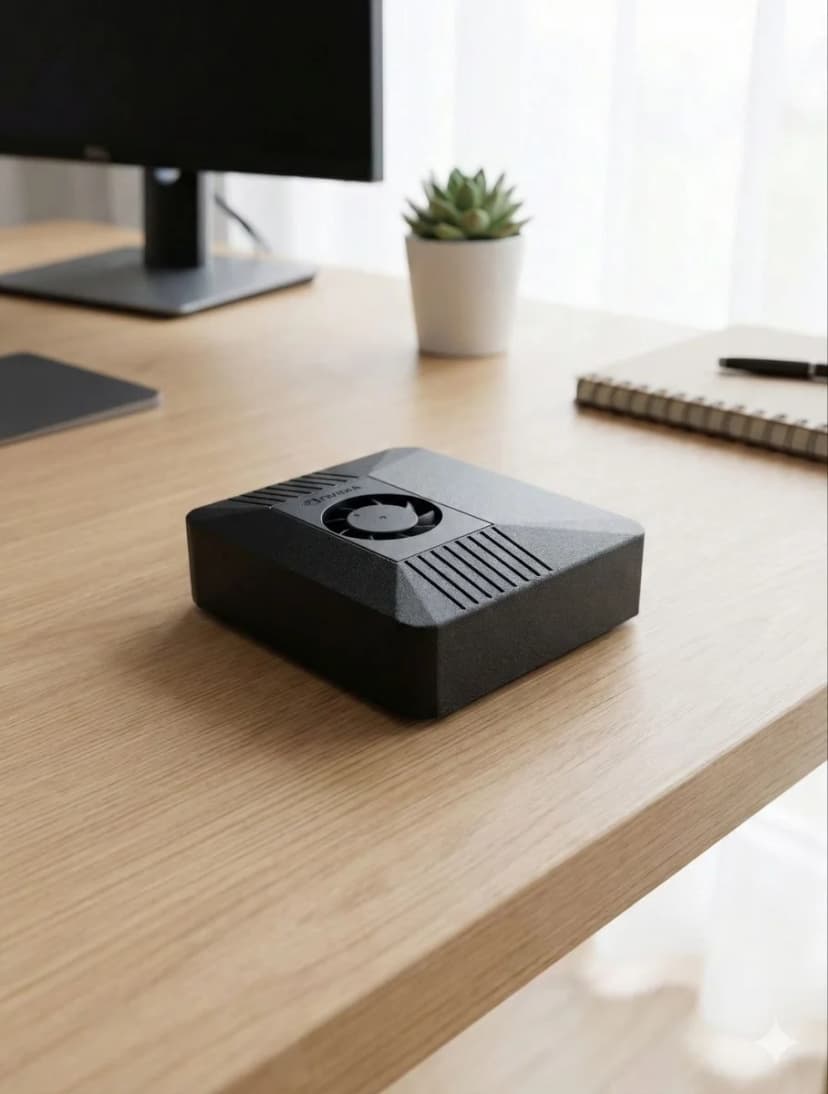
LinuxやmacOSなら、ひと晩あれば自分でOpenClawをインストールできます。もっと速いのはClawBoxをつなぐこと — OpenClawをプリインストールした67 TOPSのNVIDIA Jetsonボックスで、消費電力はわずか15W。24時間365日つけっぱなしにでき、€749(EUではVAT別) の一括払いで数分後には動き出します。
ClawBoxを見る — €749(EUではVAT別) であなた専用のAIをよくある質問
What is OpenClaw?+
OpenClaw is an open-source AI assistant — an agent that runs on your own hardware instead of in someone else's cloud. It connects to your messaging apps (Telegram, WhatsApp, Discord), reads and answers email, automates a real browser, runs scheduled tasks, and remembers context between conversations. You talk to it like any chat assistant; the difference is that it lives on a machine you control.
Is OpenClaw free?+
The OpenClaw software is open source and free to install and use. What costs money is what you run it on and with: the hardware (your own machine, or a pre-configured box like ClawBox at €749 one-time), and — if you connect Claude through Anthropic's API for premium reasoning — the usage-based API fees Anthropic charges. Running local models on your own hardware avoids per-message API costs for routine work.
What is OpenClaw AI used for?+
People use OpenClaw AI as an always-on personal assistant: triaging and answering email, watching calendars and sending reminders, automating browser tasks like form-filling and research, controlling smart-home devices, summarizing documents, and running scheduled jobs around the clock. Because it runs 24/7 on dedicated hardware, it can act proactively instead of waiting for you to open an app.
What hardware do I need to run OpenClaw?+
Minimum: 4GB RAM, a modern dual-core CPU, 20GB storage, Node.js 20+, and an always-on internet connection. For local AI models you want 8GB RAM and a CUDA-capable accelerator. Any mini PC, home server, or NVIDIA Jetson qualifies — or ClawBox, a 67-TOPS Jetson box that ships with OpenClaw pre-installed.
Is OpenClaw the same as ClawBox?+
No — OpenClaw is the open-source software; ClawBox is dedicated hardware that ships with OpenClaw pre-installed and configured. You can run OpenClaw on your own machine for free, or get ClawBox (€749 one-time) if you want it working in minutes on low-power hardware built to stay on 24/7.