
OpenClaw の設定方法
チャンネル、モデル、音声、ブラウザ自動化の実用セットアップガイド。
前提条件
- 1Node.js 18以上がインストール済み
- 24GB以上のRAM推奨
- 3Linux、macOS、またはWindows
- 4常時接続のインターネット環境
Telegramセットアップ
- 1Telegramを開いて@BotFatherを検索
- 2/newbotを送信してボットを作成
- 3APIトークンをコピー
- 4OpenClawの設定にトークンを追加
Discordセットアップ
- 1Discord Developer Portalにアクセス
- 2新しいアプリケーションを作成
- 3ボットを作成してトークンを取得
- 4必要なインテントを有効化
音声パイプライン
- 1音声テキスト変換にWhisperをインストール
- 2テキスト音声変換にKokoro TTSをインストール
- 3オーディオデバイスを設定
AIモデル
- 1プロバイダーを接続 — ChatGPTサインインまたはAPIキー(OpenAI、Anthropicなど)
- 2またはローカルモデルをダウンロード
- 3モデルの設定を行う
- 4シンプルなプロンプトでテスト
高度な設定
- 1自動起動のためのsystemdを設定
- 2ブラウザ自動化を設定
- 3監視用のcronジョブを設定
プロのヒント
「openclaw status」を実行してすべてのサービスが正常に動作しているか確認してください
設定後に問題が発生した場合は「systemctl restart openclaw」を使用してください
「journalctl -u openclaw -f」でリアルタイムデバッグ用のログを確認してください
自動更新を有効にして最新の機能とセキュリティパッチを入手してください
How to set up OpenClaw on the right hardware
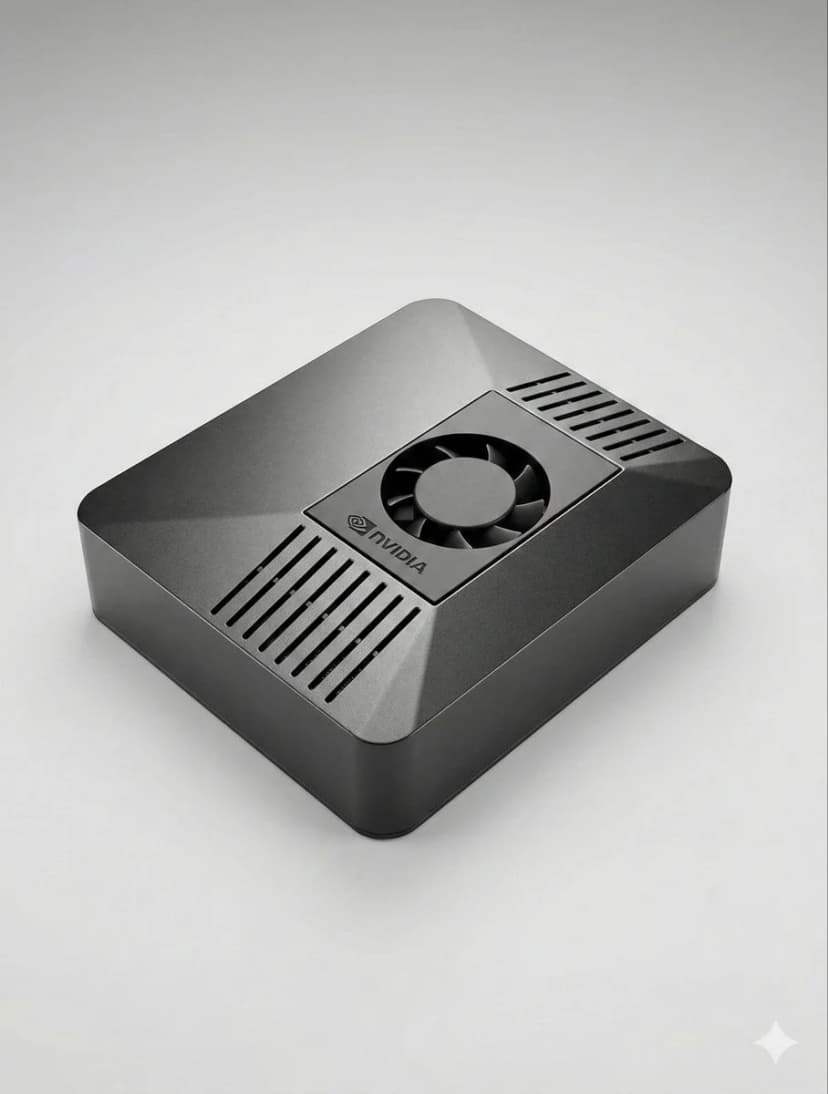
OpenClaw setup is fastest when the hardware is already matched to your workload. If you are still deciding between ClawBox, Raspberry Pi, Mac Mini, or a mini PC, start with our guide to the best OpenClaw hardware before you configure bots, voice, and browser automation.
How to Set Up OpenClaw FAQ
How to set up OpenClaw?+
The fastest OpenClaw setup is to use ClawBox: plug in power and network, open the setup page, connect Telegram or Discord, choose your model provider, and scan the pairing QR code. On your own hardware, install Node.js, configure OpenClaw, add a channel token, and keep the machine online.
Can I set up OpenClaw without ClawBox?+
Yes. OpenClaw is open source and can run on a mini PC, Mac, Raspberry Pi, home server, or cloud VM. ClawBox is the guided path when you want the hardware, storage, GPU acceleration, and OpenClaw software already prepared.
What should I prepare before OpenClaw setup?+
Prepare an always-on machine, a stable network connection, the messaging channel you want to use, and whichever model provider you prefer. If you plan to use local AI models, choose hardware with enough RAM, storage, and GPU acceleration.
サポートが必要ですか?
セットアップのサポートはDiscordコミュニティに参加してください。
If you want the more structured step-by-step reference version, including troubleshooting follow-up, open the docs setup guide.
If your main goal is messaging, jump straight to the OpenClaw Telegram setup guide for BotFather, allowFrom, pairing, and group-safe defaults.
If you want a softer introduction before the full setup flow, start with the OpenClaw beginner tutorial. If you are deciding whether to use Windows or Raspberry Pi, the dedicated guides above will save you time.
Skip the Setup — Get ClawBox
Pre-configured with OpenClaw + 4 AI models. Plug in, connect WiFi, scan QR. Done in 5 minutes.
30日間返金保証