
Come configurare OpenClaw
Una guida pratica per canali, modelli, voce e automazione del browser.
Prerequisiti
- 1Node.js 18+ installato
- 24GB+ RAM raccomandati
- 3Linux, macOS o Windows
- 4Connessione Internet sempre attiva
Configurazione Telegram
- 1Apri Telegram e cerca @BotFather
- 2Invia /newbot per creare un bot
- 3Copia il token API
- 4Aggiungi il token alla configurazione OpenClaw
Configurazione Discord
- 1Vai al Portale degli sviluppatori Discord
- 2Crea una nuova applicazione
- 3Crea un bot e ottieni il token
- 4Abilita gli intenti richiesti
Pipeline vocale
- 1Installa Whisper per il riconoscimento vocale
- 2Installa Kokoro TTS per la sintesi vocale
- 3Configura i dispositivi audio
Modelli IA
- 1Collega un provider — accesso ChatGPT o chiave API (Anthropic, OpenAI, ecc.)
- 2Oppure scarica modelli locali
- 3Configura le preferenze del modello
- 4Testa con un prompt semplice
Configurazione avanzata
- 1Configura systemd per l'avvio automatico
- 2Configura l'automazione del browser
- 3Configura i cron job per il monitoraggio
Suggerimenti Pro
Esegui 'openclaw status' per verificare che tutti i servizi funzionino correttamente
Usa 'systemctl restart openclaw' se riscontri problemi dopo la configurazione
Controlla i log con 'journalctl -u openclaw -f' per il debug in tempo reale
Abilita gli aggiornamenti automatici per ottenere le ultime funzionalità e patch di sicurezza
How to set up OpenClaw on the right hardware
OpenClaw setup is fastest when the hardware is already matched to your workload. If you are still deciding between ClawBox, Raspberry Pi, Mac Mini, or a mini PC, start with our guide to the best OpenClaw hardware before you configure bots, voice, and browser automation.
How to Set Up OpenClaw FAQ
How to set up OpenClaw?+
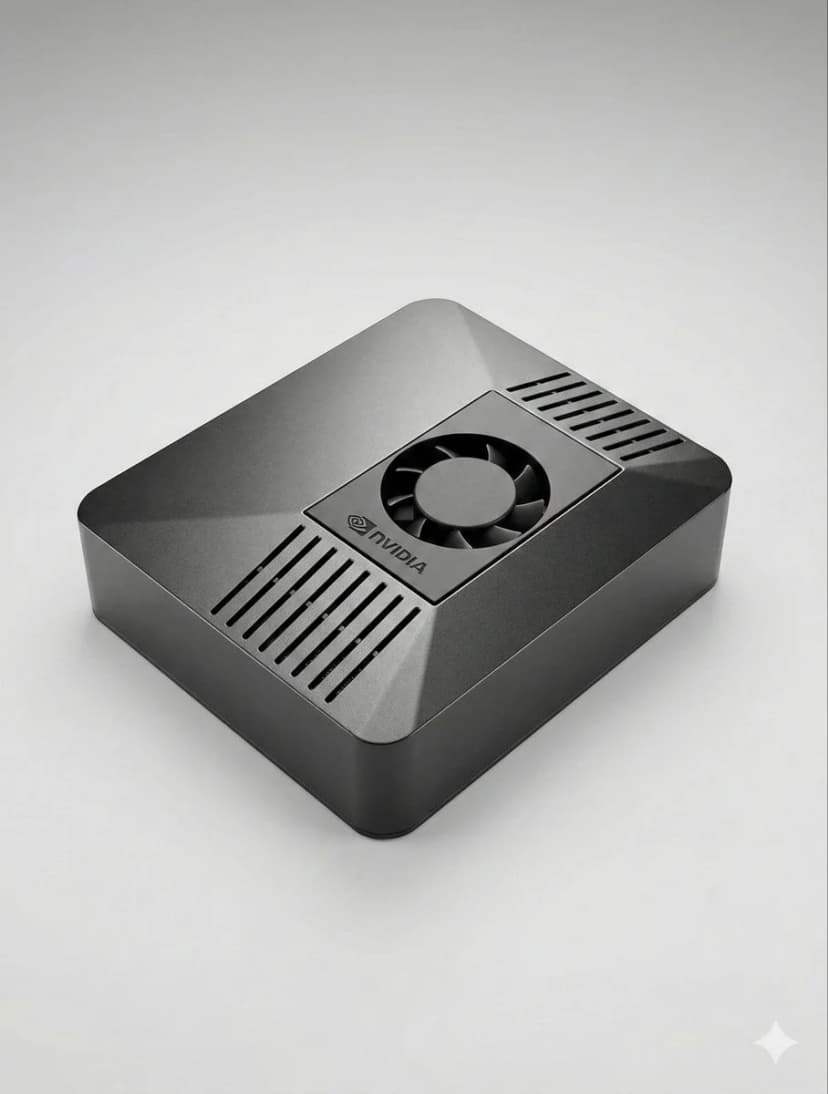
The fastest OpenClaw setup is to use ClawBox: plug in power and network, open the setup page, connect Telegram or Discord, choose your model provider, and scan the pairing QR code. On your own hardware, install Node.js, configure OpenClaw, add a channel token, and keep the machine online.
Can I set up OpenClaw without ClawBox?+
Yes. OpenClaw is open source and can run on a mini PC, Mac, Raspberry Pi, home server, or cloud VM. ClawBox is the guided path when you want the hardware, storage, GPU acceleration, and OpenClaw software already prepared.
What should I prepare before OpenClaw setup?+
Prepare an always-on machine, a stable network connection, the messaging channel you want to use, and whichever model provider you prefer. If you plan to use local AI models, choose hardware with enough RAM, storage, and GPU acceleration.
Hai bisogno di aiuto?
Unisciti alla nostra comunità Discord per assistenza alla configurazione.
If you want the more structured step-by-step reference version, including troubleshooting follow-up, open the docs setup guide.
If your main goal is messaging, jump straight to the OpenClaw Telegram setup guide for BotFather, allowFrom, pairing, and group-safe defaults.
If you want a softer introduction before the full setup flow, start with the OpenClaw beginner tutorial. If you are deciding whether to use Windows or Raspberry Pi, the dedicated guides above will save you time.
Skip the Setup — Get ClawBox
Pre-configured with OpenClaw + 4 AI models. Plug in, connect WiFi, scan QR. Done in 5 minutes.
Garanzia di rimborso di 30 giorni