
OpenClaw einrichten
Eine praktische Anleitung für Kanäle, Modelle, Voice und Browser-Automation.
Voraussetzungen
- 1Node.js 18+ installiert
- 24GB+ RAM empfohlen
- 3Linux, macOS oder Windows
- 4Ständige Internetverbindung
Telegram Einrichten
- 1Telegram öffnen und @BotFather suchen
- 2/newbot senden um Bot zu erstellen
- 3API-Token kopieren
- 4Token in OpenClaw-Config einfügen
Discord Einrichten
- 1Discord Developer Portal öffnen
- 2Neue Anwendung erstellen
- 3Bot erstellen und Token holen
- 4Benötigte Intents aktivieren
Voice-Pipeline
- 1Whisper für Sprache-zu-Text installieren
- 2Kokoro TTS für Text-zu-Sprache installieren
- 3Audio-Geräte konfigurieren
KI-Modelle
- 1Anbieter verbinden — ChatGPT-Login oder API-Schlüssel (OpenAI, Anthropic, etc.)
- 2Oder lokale Modelle herunterladen
- 3Modell-Präferenzen konfigurieren
- 4Mit einfachem Prompt testen
Erweiterte Konfiguration
- 1systemd für Auto-Start einrichten
- 2Browser-Automatisierung konfigurieren
- 3Cron-Jobs für Überwachung einrichten
Profi-Tipps
Führen Sie 'openclaw status' aus, um zu prüfen, ob alle Dienste korrekt laufen
Verwenden Sie 'systemctl restart openclaw' bei Problemen nach der Konfiguration
Überprüfen Sie die Logs mit 'journalctl -u openclaw -f' für Echtzeit-Debugging
Aktivieren Sie automatische Updates für die neuesten Features und Sicherheitspatches
How to set up OpenClaw on the right hardware
OpenClaw setup is fastest when the hardware is already matched to your workload. If you are still deciding between ClawBox, Raspberry Pi, Mac Mini, or a mini PC, start with our guide to the best OpenClaw hardware before you configure bots, voice, and browser automation.
How to Set Up OpenClaw FAQ
How to set up OpenClaw?+
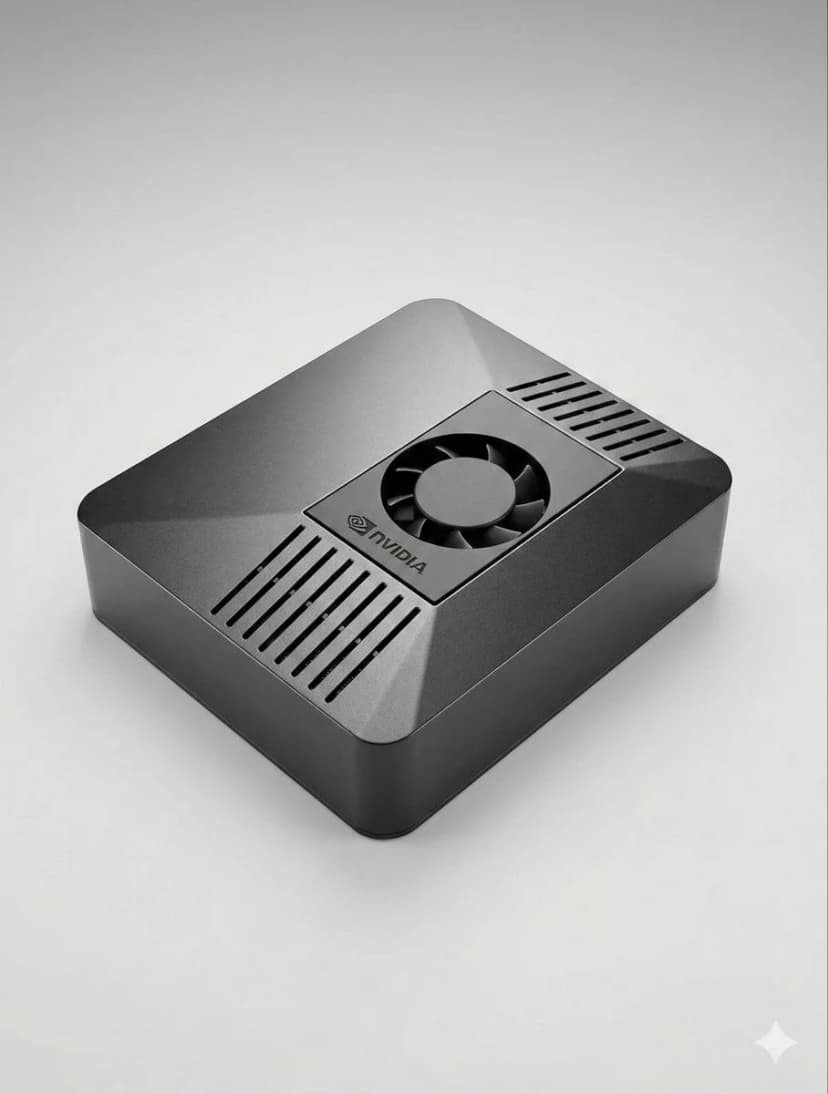
The fastest OpenClaw setup is to use ClawBox: plug in power and network, open the setup page, connect Telegram or Discord, choose your model provider, and scan the pairing QR code. On your own hardware, install Node.js, configure OpenClaw, add a channel token, and keep the machine online.
Can I set up OpenClaw without ClawBox?+
Yes. OpenClaw is open source and can run on a mini PC, Mac, Raspberry Pi, home server, or cloud VM. ClawBox is the guided path when you want the hardware, storage, GPU acceleration, and OpenClaw software already prepared.
What should I prepare before OpenClaw setup?+
Prepare an always-on machine, a stable network connection, the messaging channel you want to use, and whichever model provider you prefer. If you plan to use local AI models, choose hardware with enough RAM, storage, and GPU acceleration.
Brauchen Sie Hilfe?
Treten Sie unserer Discord-Community für Setup-Hilfe bei.
If you want the more structured step-by-step reference version, including troubleshooting follow-up, open the docs setup guide.
If your main goal is messaging, jump straight to the OpenClaw Telegram setup guide for BotFather, allowFrom, pairing, and group-safe defaults.
If you want a softer introduction before the full setup flow, start with the OpenClaw beginner tutorial. If you are deciding whether to use Windows or Raspberry Pi, the dedicated guides above will save you time.
Skip the Setup — Get ClawBox
Pre-configured with OpenClaw + 4 AI models. Plug in, connect WiFi, scan QR. Done in 5 minutes.
30 Tage Geld-zurück-Garantie