
OpenAI GPT + ClawBox
GPT AI workflows from your always-on assistant box
Use OpenAI GPT as a main agent model for ClawBox: messaging, browser automation, coding help, voice, files, and scheduled tasks — coordinated by OpenClaw and powered by the models behind ChatGPT.
GPT models are fast, versatile, and state of the art. ClawBox, ClawBox OS, and OpenClaw work in total synergy with GPT: connect your OpenAI account in the built-in setup UI and GPT becomes the brain of an always-on assistant that can act.
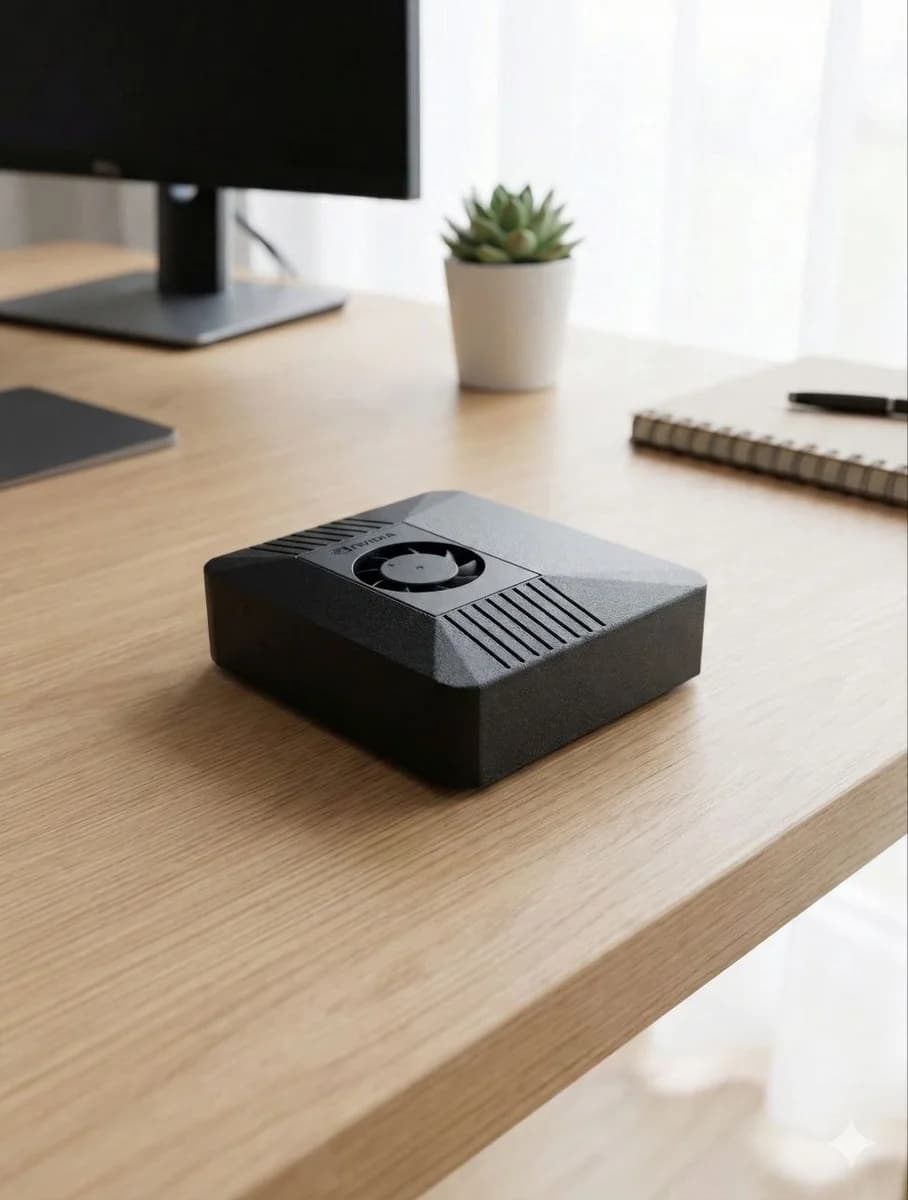

GPT becomes even more useful when it has a device to work from
GPT is a superb all-rounder: quick answers, brainstorming, coding, structured extraction, data cleanup, and everyday productivity. ClawBox turns GPT into an agent that lives where your workflows live — messaging apps, browsers, files, calendars, and home automations.
The stack is built for synergy: OpenClaw runs locally on ClawBox and calls GPT in OpenAI's cloud for the reasoning, drafting, or code a task needs. Message your ClawBox and it coordinates the steps — gather context, ask GPT, act on the answer — then returns the result where you already work.
Connecting GPT is a first-class, no-terminal experience: open the built-in ClawBox setup UI and either sign in with your existing ChatGPT/OpenAI subscription or paste an OpenAI API token. Both are fully supported ways to power ClawBox with GPT.
ClawBox also keeps choice open. Use GPT as a main agent model for daily work, with Claude, Gemini, ClawBox AI, or local models available for private, routine, or offline jobs.
Best for
- •Everyday Q&A and brainstorming
- •Coding help and script generation
- •Spreadsheet and text cleanup
- •Browser automation instructions
- •Email, message, and document drafts
Why ClawBox helps
GPT in your messaging apps
Use GPT-backed workflows through Telegram, WhatsApp, Discord, or the ClawBox UI without keeping a browser tab open.
Subscription or API token
Connect GPT in the built-in setup UI — sign in with your existing ChatGPT/OpenAI subscription or add an OpenAI API token. Both are first-class options; no config files or terminal.
Browser automation
Pair GPT reasoning with Chromium automation for forms, monitoring, research, and repetitive web tasks.
GPT-first hybrid
Use GPT as a main agent model for daily work, with Claude, Gemini, ClawBox AI, or local models available whenever another model fits a task better.
Dedicated hardware
A low-power Jetson-based box runs continuously, so GPT-powered workflows can be proactive and scheduled.
GPT AI workflows on ClawBox
Daily operator
Ask GPT through ClawBox to summarize priorities, check pages, prepare replies, and track small tasks.
Coding sprint
Use GPT to generate scripts, explain errors, and turn rough ideas into implementation steps.
Content assistant
Draft posts, landing-page copy, FAQs, and product explainers with context from your own files.
FAQ
Can ClawBox use GPT models?
Yes — GPT is a main agent model for ClawBox. In the built-in setup UI, sign in with your existing ChatGPT/OpenAI subscription or add an OpenAI API token; both are first-class ways to power OpenClaw with GPT.
Is GPT private on ClawBox?
Your ClawBox workflows, files, automations, memory, and local models stay on your device. GPT models run in OpenAI's cloud, so when a task uses GPT, the prompt and selected context are sent to OpenAI — you always choose which tasks that is. The combination gives you OpenAI's frontier intelligence plus a local agent layer you own.
Is this the same as ChatGPT hardware?
Yes, in spirit: ClawBox is dedicated hardware for the models behind ChatGPT. Connect your ChatGPT/OpenAI account and GPT gains an always-on box with tools, memory, browser automation, and scheduled work — an assistant that can act, not just chat.
Use GPT from your own AI assistant box
ClawBox ships with OpenClaw pre-installed, local AI support, optional cloud model access, browser automation, voice, messaging integrations, and a 30-day money-back guarantee.