
Как да настроиш OpenClaw
Практично ръководство за канали, модели, глас и браузър автоматизация.
Предварителни Изисквания
- 1Инсталиран Node.js 18+
- 2Препоръчва се 4GB+ RAM
- 3Linux, macOS или Windows
- 4Постоянна интернет връзка
Настройка на Telegram
- 1Отворете Telegram и потърсете @BotFather
- 2Изпратете /newbot за да създадете бот
- 3Копирайте API токена
- 4Добавете токена в конфигурацията на OpenClaw
Настройка на Discord
- 1Отидете на Discord Developer Portal
- 2Създайте ново приложение
- 3Създайте бот и вземете токена
- 4Активирайте необходимите intents
Гласов Пайплайн
- 1Инсталирайте Whisper за реч към текст
- 2Инсталирайте Kokoro TTS за текст към реч
- 3Конфигурирайте аудио устройствата
AI Модели
- 1Свържи доставчик — вход с ChatGPT или API ключ (OpenAI, Anthropic и др.)
- 2Или изтеглете локални модели
- 3Конфигурирайте предпочитанията за модела
- 4Тествайте с прост промпт
Разширена Конфигурация
- 1Настройте systemd за автоматичен старт
- 2Конфигурирайте браузър автоматизация
- 3Настройте cron задачи за наблюдение
Професионални Съвети
Изпълнете 'openclaw status' за да проверите дали всички услуги работят правилно
Използвайте 'systemctl restart openclaw' при проблеми след конфигурация
Проверете логовете с 'journalctl -u openclaw -f' за дебъгване в реално време
Активирайте автоматичните обновления за последните функции и корекции на сигурността
How to set up OpenClaw on the right hardware
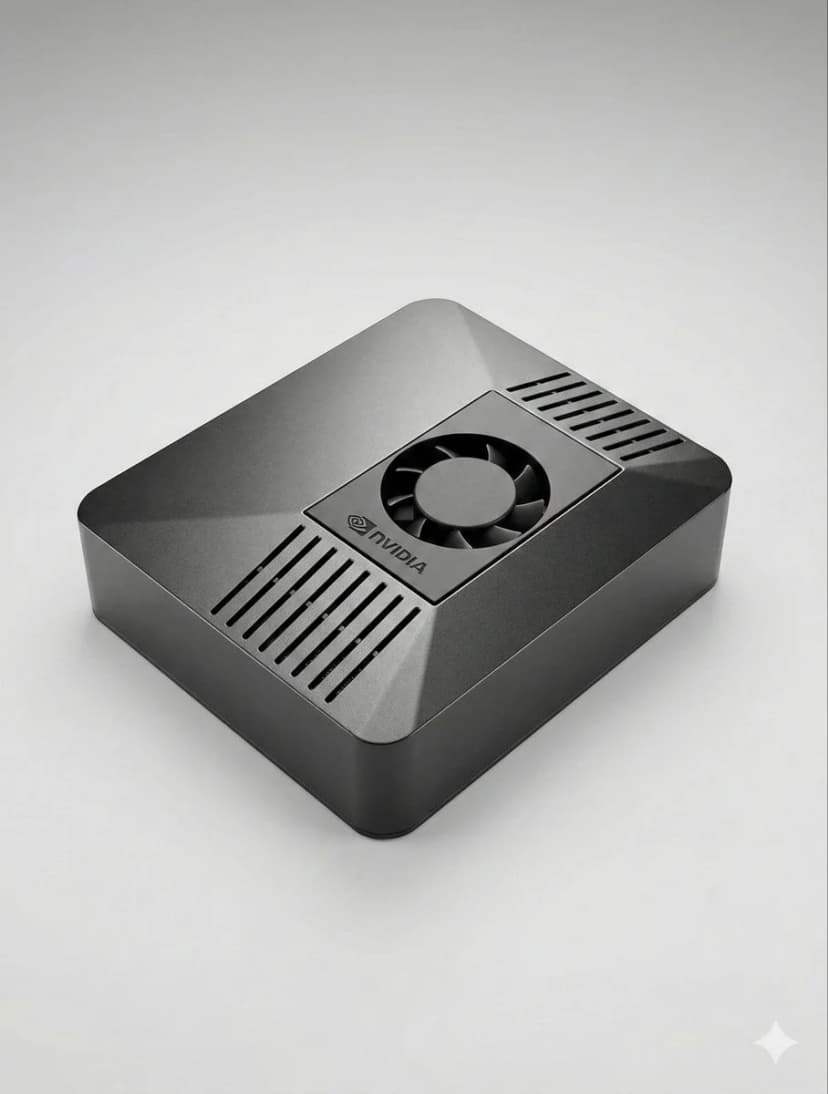
OpenClaw setup is fastest when the hardware is already matched to your workload. If you are still deciding between ClawBox, Raspberry Pi, Mac Mini, or a mini PC, start with our guide to the best OpenClaw hardware before you configure bots, voice, and browser automation.
How to Set Up OpenClaw FAQ
How to set up OpenClaw?+
The fastest OpenClaw setup is to use ClawBox: plug in power and network, open the setup page, connect Telegram or Discord, choose your model provider, and scan the pairing QR code. On your own hardware, install Node.js, configure OpenClaw, add a channel token, and keep the machine online.
Can I set up OpenClaw without ClawBox?+
Yes. OpenClaw is open source and can run on a mini PC, Mac, Raspberry Pi, home server, or cloud VM. ClawBox is the guided path when you want the hardware, storage, GPU acceleration, and OpenClaw software already prepared.
What should I prepare before OpenClaw setup?+
Prepare an always-on machine, a stable network connection, the messaging channel you want to use, and whichever model provider you prefer. If you plan to use local AI models, choose hardware with enough RAM, storage, and GPU acceleration.
Нужна Ви е Помощ?
Присъединете се към нашата Discord общност за помощ при настройка.
If you want the more structured step-by-step reference version, including troubleshooting follow-up, open the docs setup guide.
If your main goal is messaging, jump straight to the OpenClaw Telegram setup guide for BotFather, allowFrom, pairing, and group-safe defaults.
If you want a softer introduction before the full setup flow, start with the OpenClaw beginner tutorial. If you are deciding whether to use Windows or Raspberry Pi, the dedicated guides above will save you time.
Skip the Setup — Get ClawBox
Pre-configured with OpenClaw + 4 AI models. Plug in, connect WiFi, scan QR. Done in 5 minutes.
30-дневна гаранция за връщане на парите